


News
how to see which version of your page is cached on Google?
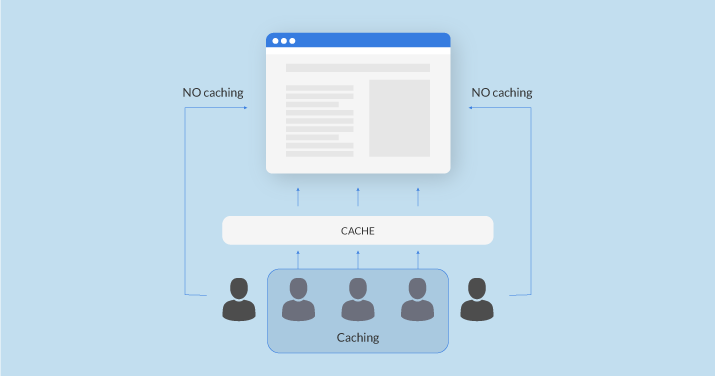
For some time, sites that switched to Google’s new indexing system experienced issues with Google’s cache returning a 404 error. Now that the bug has been fixed, here is how you can easily find out which version of your pages is cached by Google. Although Google clearly stated that a "cached" page returning a 404 error has no impact on proper crawling and indexing, affected webmasters and SEO specialists were concerned about this bug, which prevented them from checking which version of their pages Google had cached since switching to mobile-first indexing. In recent days, the bug has been fixed, and any website can now see how its pages are cached by Google. How to see which version of your page Google has cached For those unfamiliar with this feature available in Google search results for several years, you can discover in 2 minutes which version of your page Google caches — and therefore which version Google may serve to users. To do this, simply use the search operator "site:" followed by your domain name or the exact URL of the page you want to test.
Une stratégie de contenu SEO efficace repose sur une structure claire, des mots-clés pertinents et une optimisation continue des pages pour améliorer la visibilité sur les moteurs de recherche comme Google.

Then simply click on the small green arrow to the right of your URL and click on "Cached". When you click, Google will not redirect you to your site but to the version of your page cached on its servers. Your site’s URL will then look something like this: https://webcache.googleusercontent.com/search?q=cache:GfsOfzmaHocJ:https://www.leptidigital.fr/+&cd=1&hl=fr&ct=clnk&gl=fr This Google cache is very useful for knowing which version of your pages Google last crawled. The search engine also shows you the date and time when the cached page was crawled and cached. What is caching used for by Google? "Google takes snapshots of each web page in case those pages are no longer available. These pages become part of Google’s cache. If the website you are trying to access is slow or unresponsive, you can use the 'Cached' link." Source: Le Pti Digital
L’optimisation SEO consiste à améliorer la qualité du contenu, la structure des pages et l’expérience utilisateur afin d’obtenir un meilleur positionnement dans les résultats de recherche et générer un trafic qualifié.
Support Ticket
Submit a support request